Import
Import
How to Use the Import Feature
Automatically capture leads from your site, socials, emails & more sync everything into one smart dashboard.
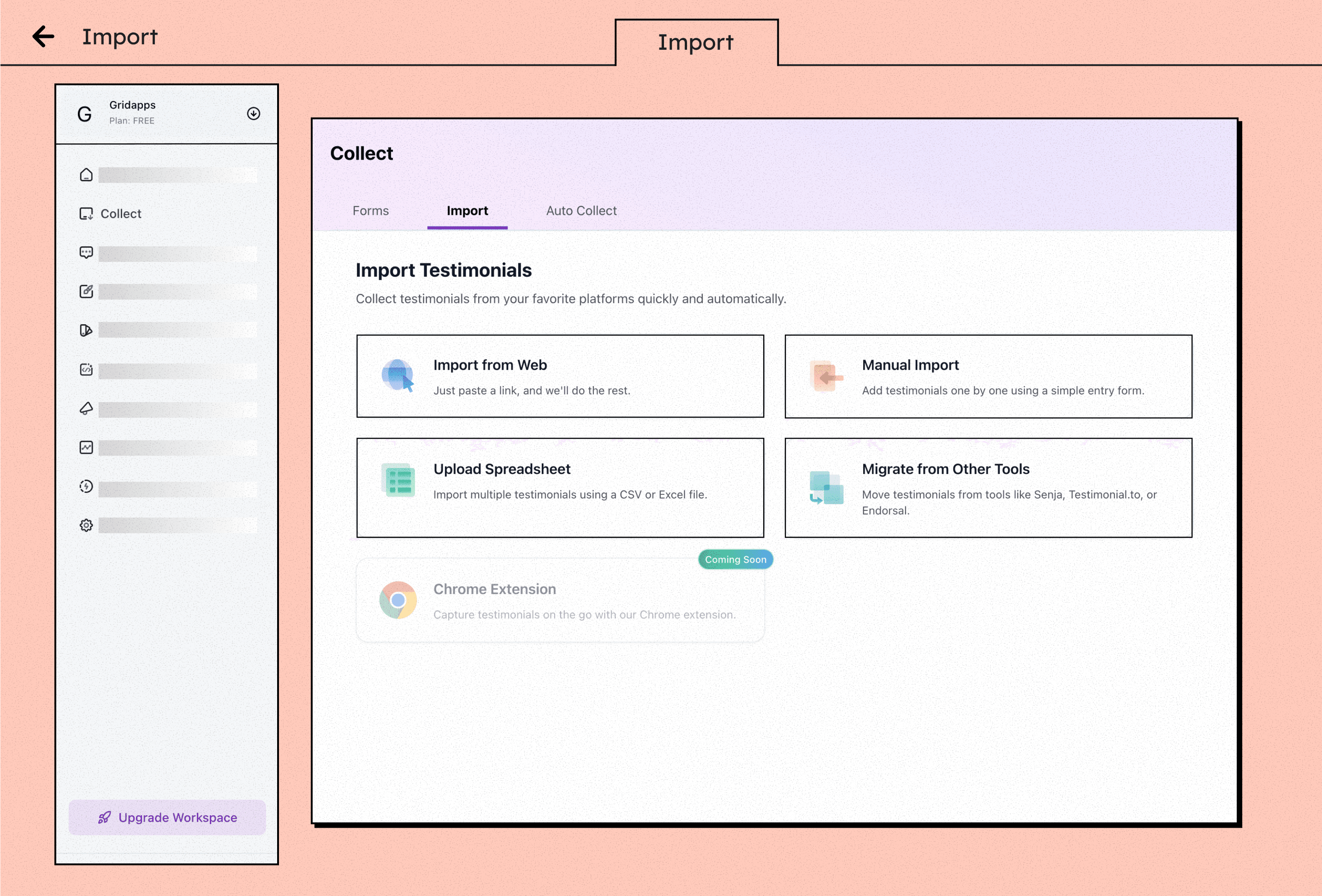
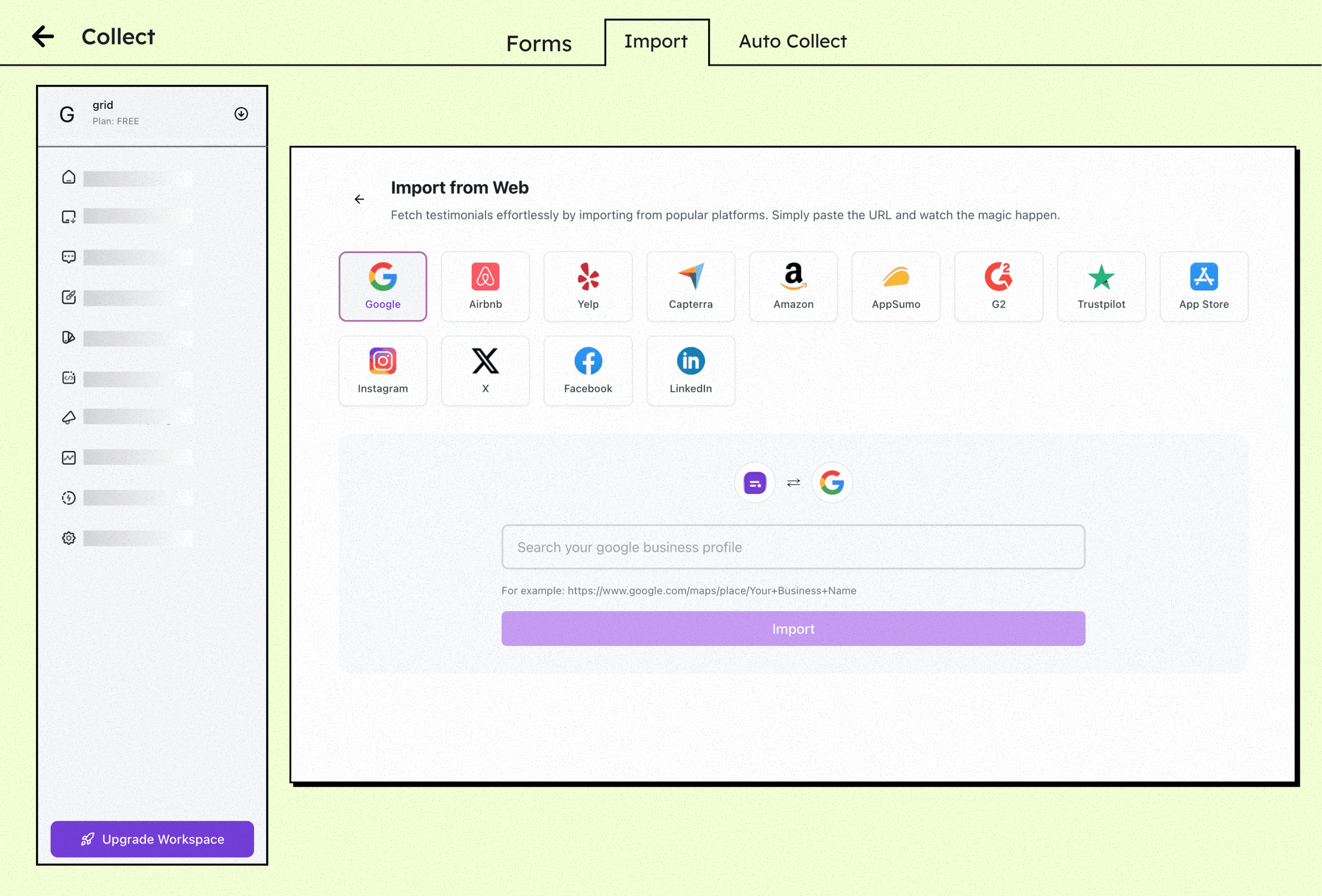
Go to the Collect Section
Log in to your Gridapps Testimonials dashboard. From the sidebar, click on “Collect” to access your testimonial collection tools.
Click on “Import”
Inside the Collect section, select the Import tab to bring in testimonials from external platforms.
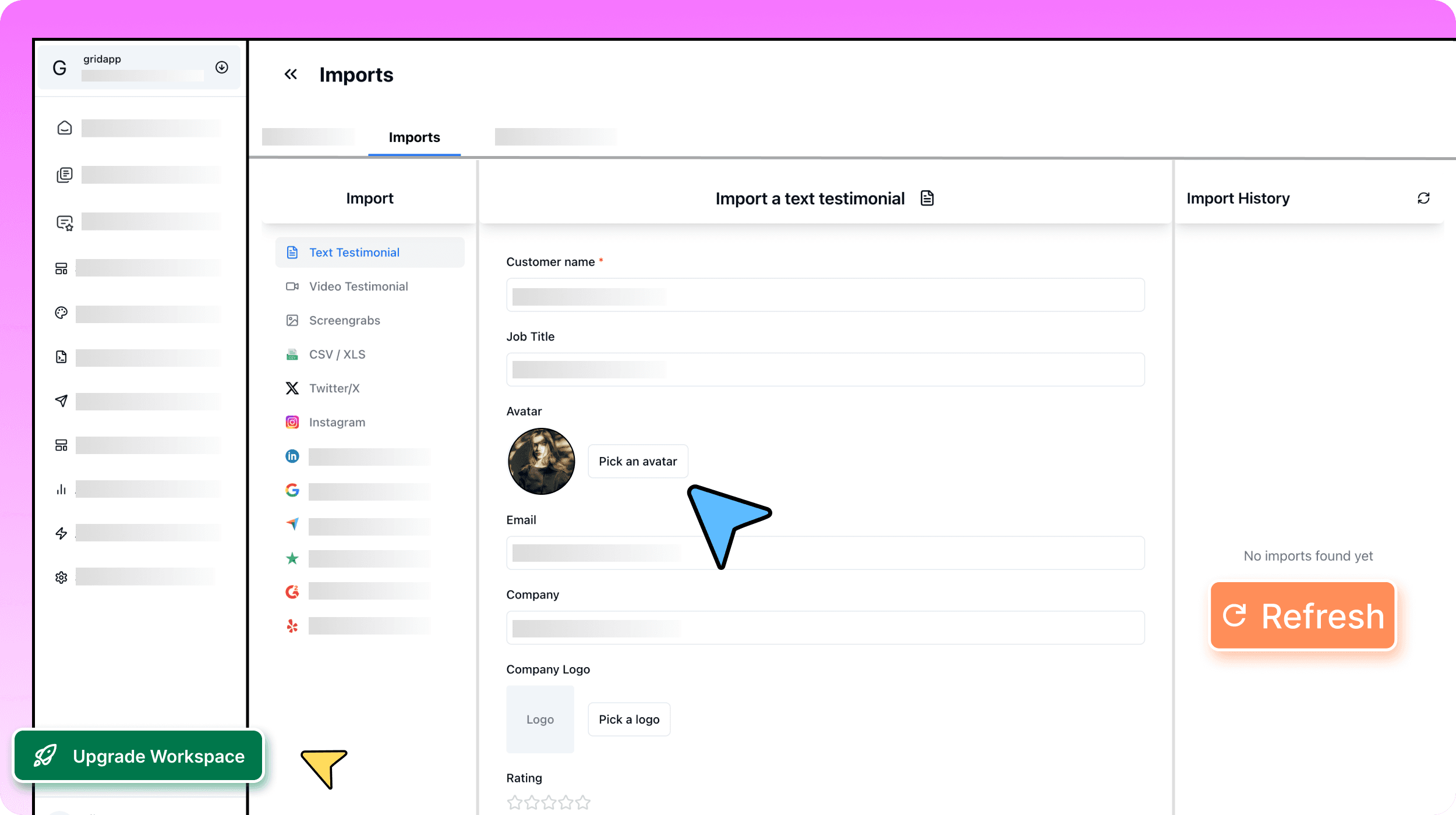
Choose a Platform
Integrate with external tools and platforms
Distribute Across Channels
Copy the link and share via email, site, or socials. Reach your audience where they already are.
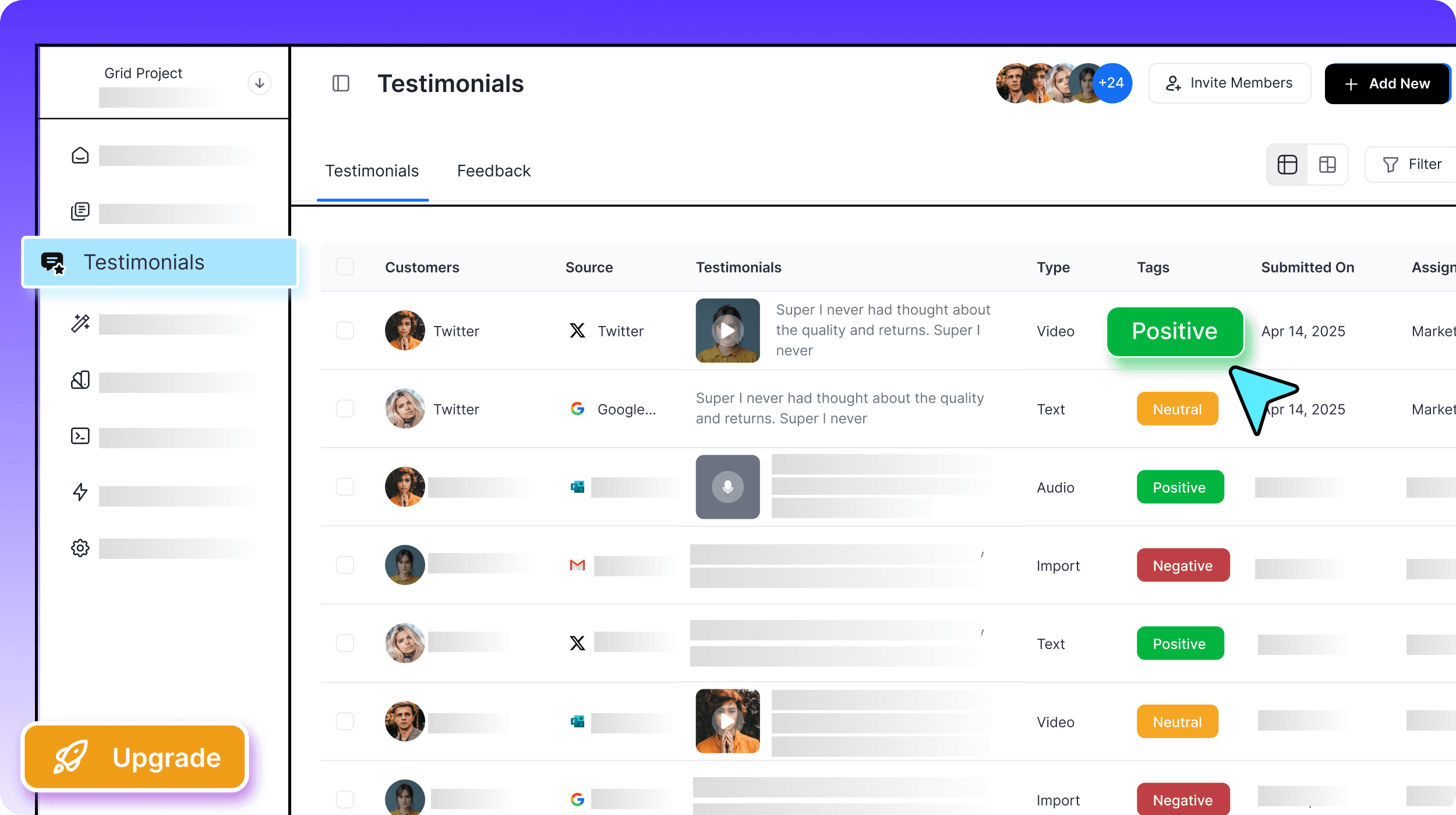
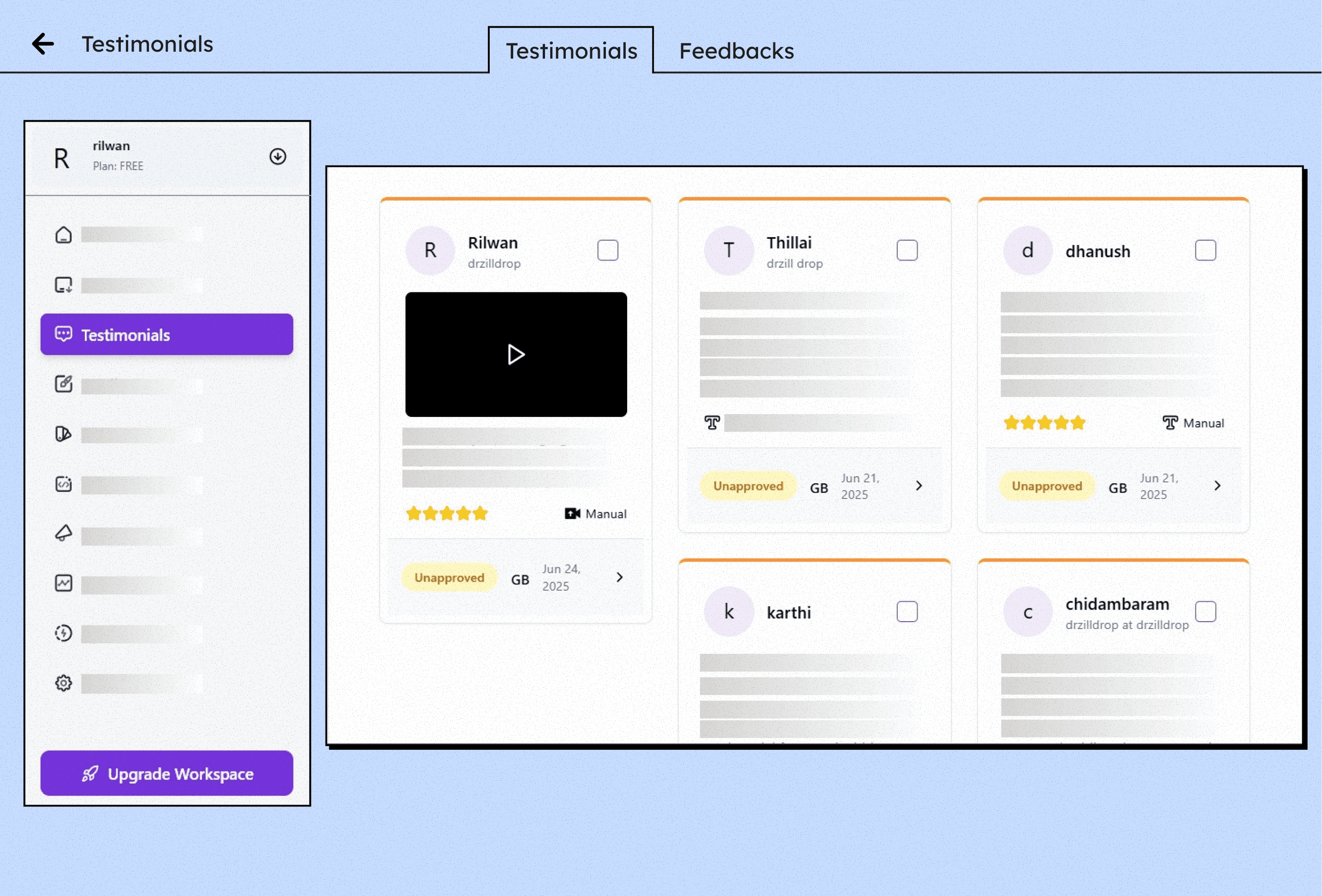
Go to the “Testimonials” Tab
Your imported testimonial will now appear under the Testimonials section for further editing and use.
Edit and Showcase the Testimonial
Customize the content as needed: Apply your Brand Kit .Then choose how you want to display it: Website widgets Image badges pop-ups
Feature