Email Campaigns
Email Campaigns
Set Up Your Email Campaign
Set up your testimonial email campaigns quickly. Follow these steps to organize and send the right questions to your contacts.
Open the Campaigns Dashboard
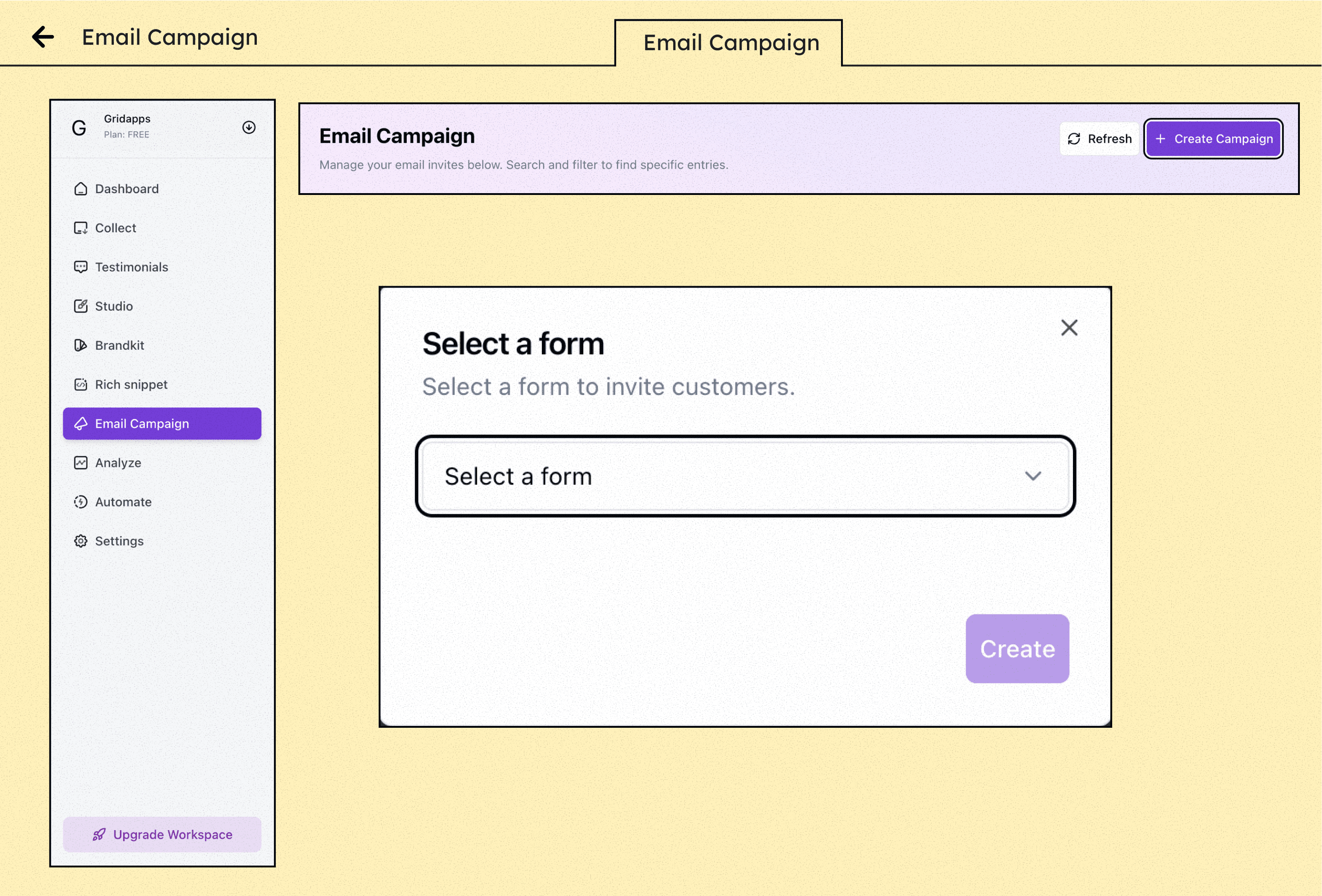
From the left sidebar, click on “Campaigns” to manage all your testimonial email campaigns.
Create a New Campaign
Click “+ Create Campaign,” give it a name and an optional description to keep things organized
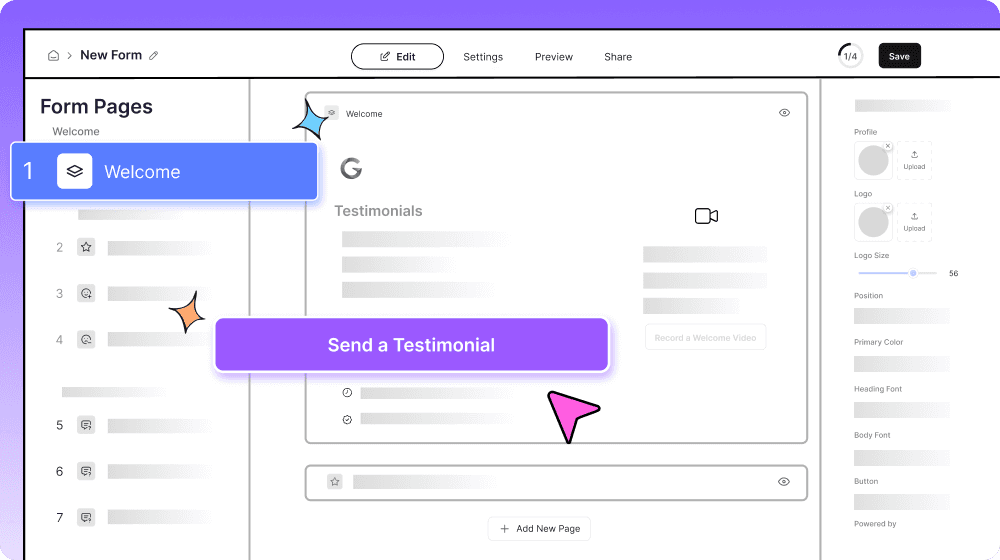
Select a Testimonial Form
Select one of your testimonial forms – it’ll be sent to your contacts.
Feature